

Why Site Search Is One of the Most Underrated CRO Opportunities in Ecommerce
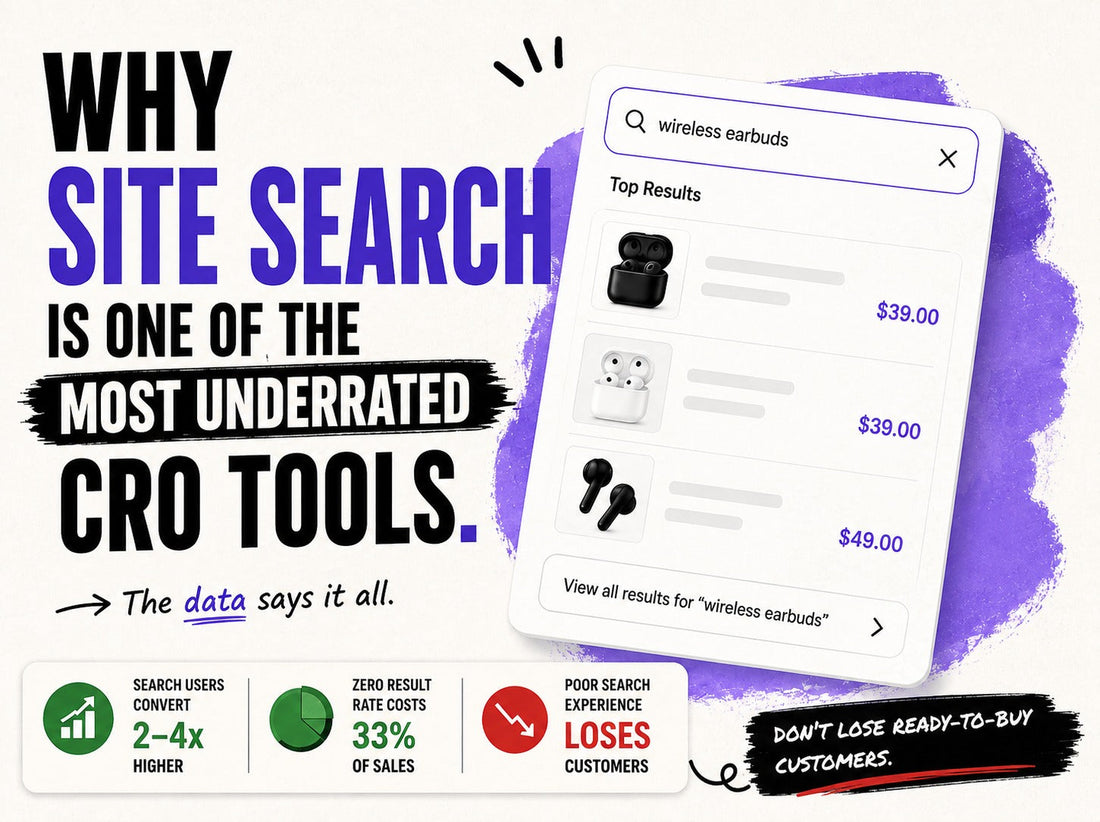
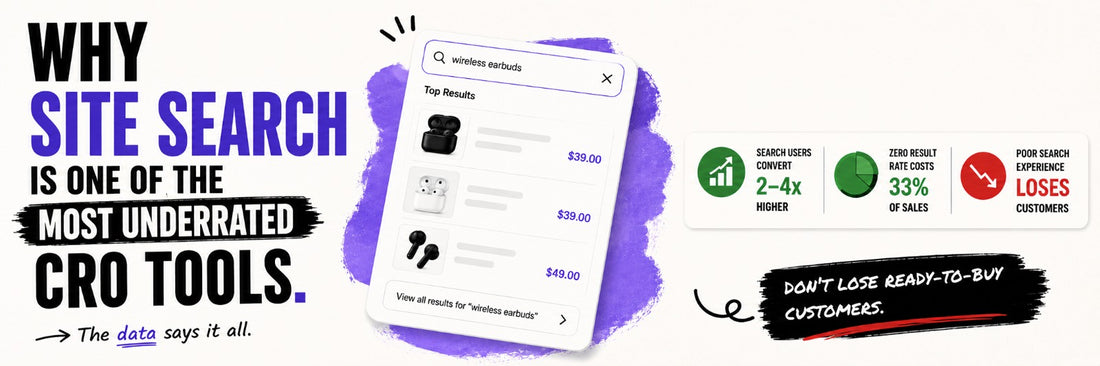
Summary: Site search usually gets treated as a utility — a box in the header, rarely audited. That’s a mistake. Search is one of the clearest signals of intent a store gets from a customer, and a failed search can lose someone who was already ready to buy. Here’s why search carries that weight, why it breaks, and what we’d test.
Disclaimer: Written from our own audit observations, with third-party data cited where used. Tools mentioned show up only where directly relevant — this isn’t a promotional piece.
What Does Site Search Actually Do for a Store?
Most CRO conversations start with landing pages, product pages, checkout. Search rarely comes up, even though it’s often where the highest-intent traffic on the site is sitting.
In a lot of stores, a meaningful share of visitors use onsite search, especially once the catalogue gets large enough that browsing by category stops being practical. Worth being precise: this is onsite search behaviour, not how people arrive at the site through Google — the two get mixed up easily.
Why Do Search Users Behave Differently From Browsers?
Studies here vary by methodology and industry, and a lot of the bigger stats in circulation come from search-tool vendors with an obvious reason to inflate the case. [TODO-SOURCE: the 21%-lift-across-4,000-stores figure below has no citation. Verify and link, or remove.] The strongest single data point we found is from a large-sample analysis across roughly 4,000 online stores: shoppers who used site search were 21% more likely to convert than those who browsed without searching, and the effect held across nearly every vertical except fashion. Other sources report multiples in the 2x–4x range, but we’re treating those as directional rather than fact, since the 21% figure has the larger, more independent sample behind it.
The fashion exception matters. In that same study, conversion probability actually dropped slightly when fashion shoppers used search, since fashion browsing tends to be exploratory rather than intent-driven. Search is generally a stronger intent signal than browsing — but “generally” is doing real work there. Some searchers already know what they want; others are just figuring out what the store carries. It depends on the category.
What Happens When Search Fails?
A failed search can be more damaging than a failed browse. Someone browsing who doesn’t find what they want might still stumble onto something else. Someone who searches for exactly what they want and gets nothing back has already told the store what they’re after — and the store didn’t respond.
[TODO-SOURCE: verify against Baymard's own published research before publishing.] Baymard Institute usability testing is a useful reference: poor search support was responsible for roughly a third of product-finding tasks ending without success — people who set out to find a specific product via search couldn’t, not because the product wasn’t there, but because search let them down. That’s a worse failure mode than someone simply not finding something appealing while browsing.
Why Does Search Break in the First Place?
Usually it’s simple: customers think in their own words, and ecommerce systems think in catalogue language. Someone searches “summer perfume,” but the catalogue’s organised around “citrus fragrances.” Someone searches “black office bag,” but the product is tagged “structured laptop tote.” The customer isn’t wrong — the system just doesn’t speak the way they do.
Recurring culprits: exact-match dependency, no synonym handling, no typo tolerance, ranking that ignores relevance or popularity, no category context, and mobile search UIs that make an already hard problem worse.
[TODO-LINK: internal reference below points nowhere — link the navigation/filters post or cut the sentence.] This mirrors a navigation issue we’ve covered elsewhere. A filter set built around database fields instead of how customers decide breaks for the same reason a search bar does — both assume the customer describes the product the way the catalogue does, not the way they actually think.
What Should We Actually Look at in Search Analytics?
| Metric | What it tells us |
|---|---|
| Search usage rate | How much customers rely on search vs. navigation |
| Zero-result rate | Whether the catalogue understands customer language |
| Search refinement rate | Whether the first results were relevant |
| Exit-after-search rate | Whether search is failing to move users forward |
| Search → product page rate | Whether search produces useful discovery |
| Search conversion rate | Whether search traffic actually converts |
| Search revenue per session | Commercial value of search vs. browsing |
There’s no universal “good” number here — a 12% zero-result rate might be nothing for one catalogue and a real problem for another. What matters is the store’s own baseline over time, broken down by device, category, and query type.
A quick way to stress-test this: run realistic queries a real customer might type — “Nike shoes,” “black formal shirt,” “gift under ₹2,000,” “woody perfume,” “laptop bag,” “moisturizer for oily skin” — and see what comes back. That tells you more than any single aggregate number.
What Would We Test?
Once the analytics show where things break, typical fixes include search suggestions, synonym and typo tolerance, relevance ranking changes, filters available after a search, category-aware grouping, and result merchandising. Each follows the same shape: hypothesis, change, KPI, expected impact. For example — hypothesis: synonym handling for common category terms cuts the zero-result rate; change: map real customer phrasing to catalogue terms; KPI: zero-result rate and search-to-product-page rate; expected impact: fewer abandoned searches, more converting into product views.
Pros and Cons of Prioritizing Search as a CRO Lever
Pros
- Goes straight after high-intent traffic — search users are, on average, closer to buying than browsers
- Fixes are usually contained and fast to test, since search is a self-contained system rather than a full-funnel change
Cons
- Easy to over-invest in search technology before fixing basic relevance and language matching
- The intent signal isn’t universal — fashion is a documented exception, and search analytics often aren’t tracked separately, so problems can go unmeasured for a long time
FAQs
Does every store need advanced search features like AI-powered or visual search?
Not necessarily. The first fix for most stores is matching real customer phrasing to the right results — that usually matters more than adding new search modalities.
Is a high zero-result rate always a problem?
Not automatically. It depends on the store's baseline, category mix, and query types — compare to your own history, not an industry number.
Does search matter as much for a small catalogue as a large one?
Less so, generally. The intent signal is still real, but the cost of poor discovery is lower when there are only a handful of products to choose from — search becomes a bigger lever as catalogue size and complexity grow.
Should search be redesigned before or after fixing navigation?
Neither has to come first. They fail for related reasons — customer language vs. catalogue language — so the more useful starting point is whichever one your analytics show is losing more people: zero-result and exit-after-search rates for search, drop-off and category engagement for navigation.
Site search isn’t just a utility. It’s one of the clearest signals of intent an ecommerce team gets — and most stores still leave it running on default settings.


