

The Anatomy of a High-Converting Mobile PDP
Why Treat the Mobile PDP Differently From Desktop?
Mobile traffic makes up the majority of sessions for most ecommerce stores, but it consistently converts at a lower rate than desktop. That gap isn't really about intent; mobile shoppers are just as ready to buy. It's about the constraints of the format: a smaller screen, less patience for scrolling past irrelevant content, and slower, more distracted browsing conditions than someone sitting at a desktop.
A mobile PDP that was simply shrunk down from a desktop layout inherits none of the adjustments that format actually needs.
What Needs to Happen Before Anyone Even Sees the Page?
Before any layout decision matters, the page has to load. Google's own research, based on data from over 900,000 mobile ad landing pages, found that as load time increases from one second to three seconds, the probability of a mobile visitor bouncing rises by 32%, and by 90% when load time reaches five seconds. Google and Deloitte's joint "Milliseconds Make Millions" study measured the other side of that: a 0.1-second improvement in mobile page speed increased retail conversions by 8.4% and average order value by 9.2%.
This is worth stating plainly because it's often treated as a technical concern separate from CRO. It isn't. No amount of layout or content optimization matters to a visitor who bounced before the page finished loading.
What Belongs Above the Fold?
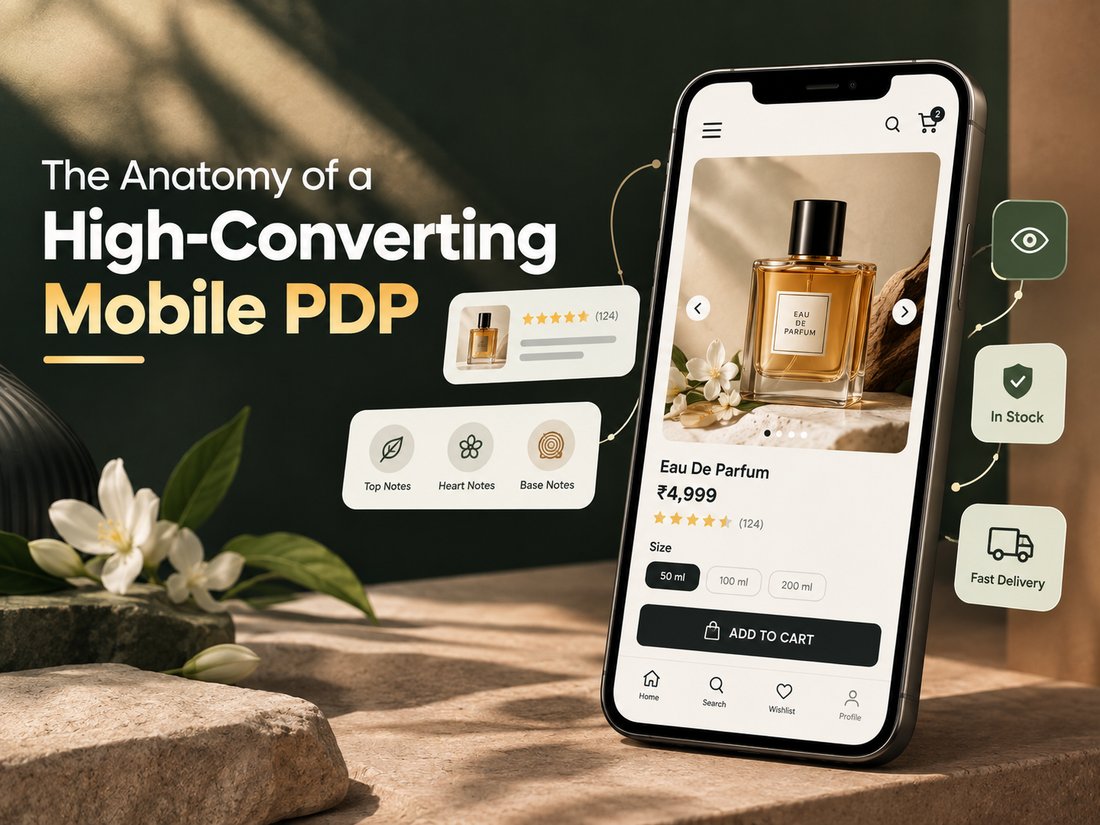
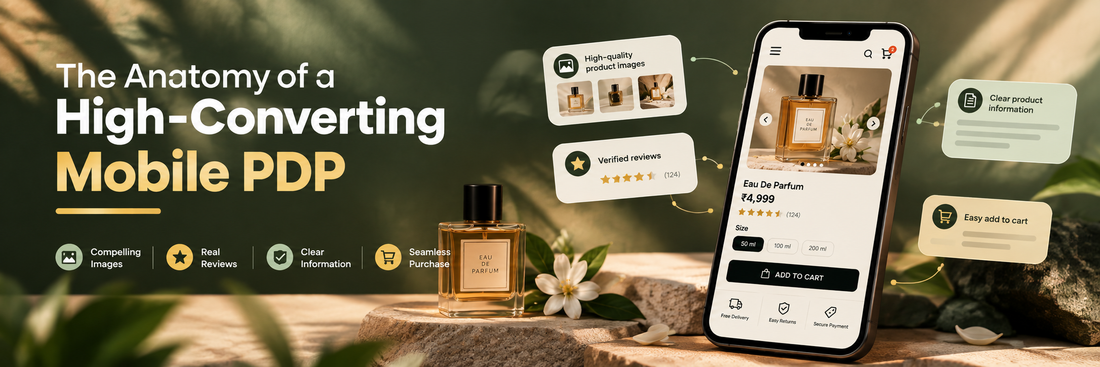
On a mobile screen, "above the fold" is a small amount of real estate, so what goes there has to earn its place. At minimum, that's the product name, price, a primary image, and a clear path to the add-to-cart action, either visible immediately or one short scroll away.
What doesn't belong crowding that space: long descriptive copy, secondary promotions, or navigation elements that could live elsewhere. The job of this section is to answer "is this the right product, at the right price, and can I act on that quickly" — not to sell the product in full.
How Much Weight Do Images Actually Carry?
On mobile, product imagery is doing more work than it does on desktop, because there's no accompanying content visible at the same time to provide context. A single low-resolution or poorly cropped hero image sets the tone for the entire page before the customer has read a word.
Zoomable images, multiple angles, and lifestyle or in-use shots matter more here than on desktop precisely because there's less room for descriptive text to fill in the gaps images don't cover. This connects directly to a discovery point we've made elsewhere: a customer on a product page is still trying to confirm they've found the right thing, and imagery is one of the fastest ways to either confirm or undermine that.
Where Do Reviews Belong, and How Many Are Enough?
Reviews are one of the more thoroughly studied elements on a product page. Research from Northwestern University's Spiegel Research Center, working with real retailer transaction data, found that the purchase likelihood for a product with five reviews is 270% higher than for one with none, and the effect is stronger for higher-priced items than lower-priced ones. The same research found something less intuitive: products with a near-perfect rating, in the 4.7 to 5.0 range, actually converted slightly worse than those rated 4.2 to 4.7, because an unblemished rating reads as suspicious rather than reassuring.
On mobile, review count and rating are worth surfacing early, near the price, rather than only in a full review section further down the page. A visitor deciding whether to keep scrolling often needs that signal before they'll invest in reading further.
What About Sizing, Fit, and Variant Selection?
This is one of the more common places mobile PDPs lose people, not because the information doesn't exist, but because it's hidden behind an extra tap. A size guide in a separate modal or tab adds a small decision cost at exactly the point someone is trying to resolve uncertainty, which is the same discovery-friction problem we've covered in more depth elsewhere.
The fix is usually not more information, but better placement: fit guidance, material details, and variant differences surfaced inline near the selector itself, rather than requiring a visitor to go looking for them.
Does the CTA Need to Follow the User Down the Page?
Often, yes, though this is worth treating as its own decision rather than a default. A persistent add-to-cart element solves a specific problem: on longer, image- or review-heavy pages, the primary button can disappear from view quickly on a small screen. We've written in more depth on when this helps and when it backfires elsewhere in this series; the short version is that it's a fix for physical distance to the button, not a substitute for resolving hesitation elsewhere on the page.
What Belongs Below the Add-to-Cart Button?
Once the core decision-making information is in place, what typically follows is shipping and delivery estimates, return policy, and any trust signals relevant to the purchase, like payment security or warranty information. These matter most for larger or less familiar purchases, where a visitor's remaining hesitation is often less about the product itself and more about the risk of the transaction.
FAQs specific to the product, if there are recurring pre-purchase questions, are also worth placing here rather than only in a separate support page a mobile visitor is unlikely to go looking for it mid-session.
Pros and Cons of Treating This as a Fixed Checklist
Pros
- Gives a consistent baseline to audit against, useful for catching pages missing an entire category of information (no reviews, no sizing guidance, no trust signals)
- Reflects evidence-backed patterns rather than aesthetic opinion, which makes it easier to prioritize fixes by likely impact
- Works as a starting framework for a new PDP template, reducing the risk of overlooking a section entirely
Cons
- Every one of these elements still needs to be tested on a specific store's traffic; what works for one catalogue or price point won't transfer uniformly to another
- Applied too rigidly, a checklist can produce a page that hits every box without any of them being done well
- Some categories (highly technical products, considered purchases) need more structure than this covers, not less
FAQs
Does every mobile PDP need all of these elements?
Most benefit from having each category covered in some form, but the right depth varies. A low-consideration, low-price item doesn't need the same level of trust-building content as a higher-priced or unfamiliar product.
What's the single highest-leverage fix on this list?
Page speed tends to have outsized impact because it's a precondition for everything else working. A perfectly designed PDP that loads slowly on mobile loses visitors before any of the rest of the page gets evaluated.
Should reviews be shown even if there are only one or two?
Generally yes. The research shows the largest jump in purchase likelihood happens in the first few reviews, so waiting to accumulate more before displaying any is usually the wrong call.
Is a five-star average rating actually a good thing?
Not automatically. Research suggests shoppers can view a perfect rating with mild suspicion. A rating in the high 4s alongside a reasonable review count tends to read as more credible than a flawless one.
None of these elements are new ideas on their own. What separates a high-converting mobile PDP from an average one is whether they're placed with the constraints of a small screen and a distracted, scrolling visitor in mind, rather than adapted from a desktop layout after the fact.


