

The Complete Shopify CRO Checklist for D2C Brands
Why a Checklist, and Why Now?
Most CRO advice for D2C brands arrives as isolated tips: fix your PDP, add reviews, speed up your site. Each tip is usually reasonable on its own, but a store rarely has just one problem. It has several, spread across different stages of the journey, and fixing one without knowing where it sits relative to the others makes it hard to know what's actually worth doing first.
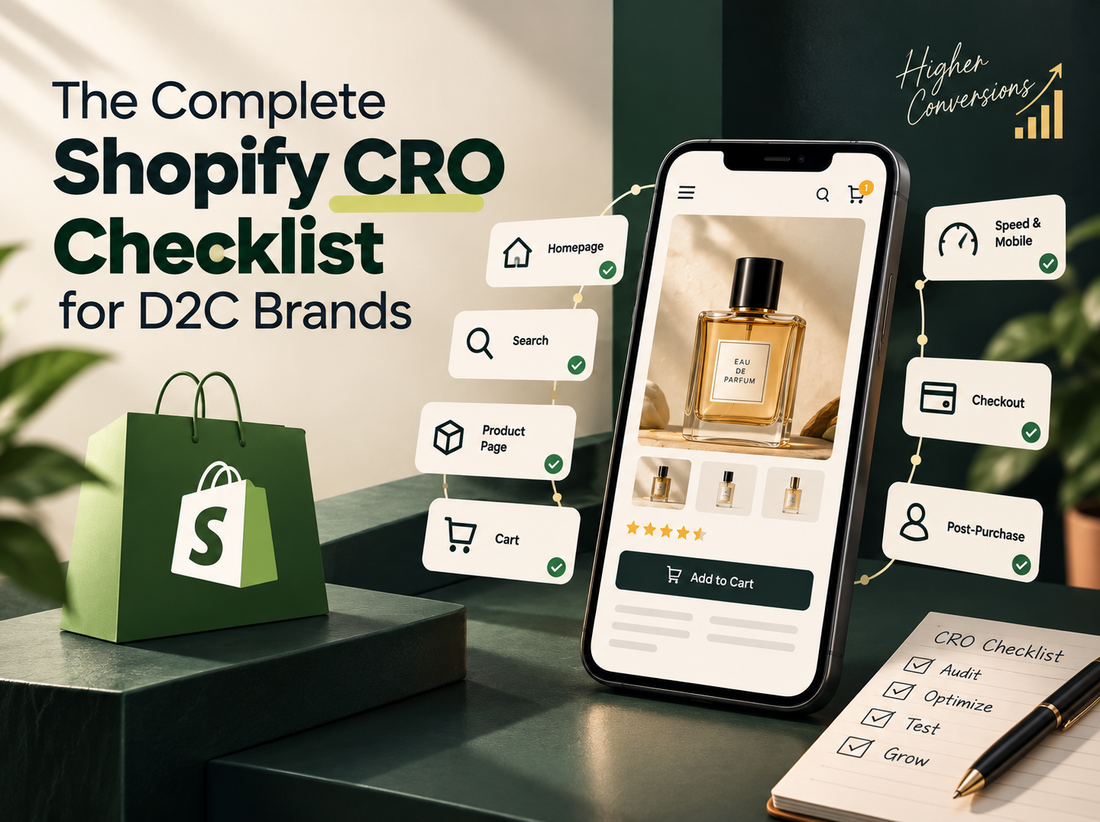
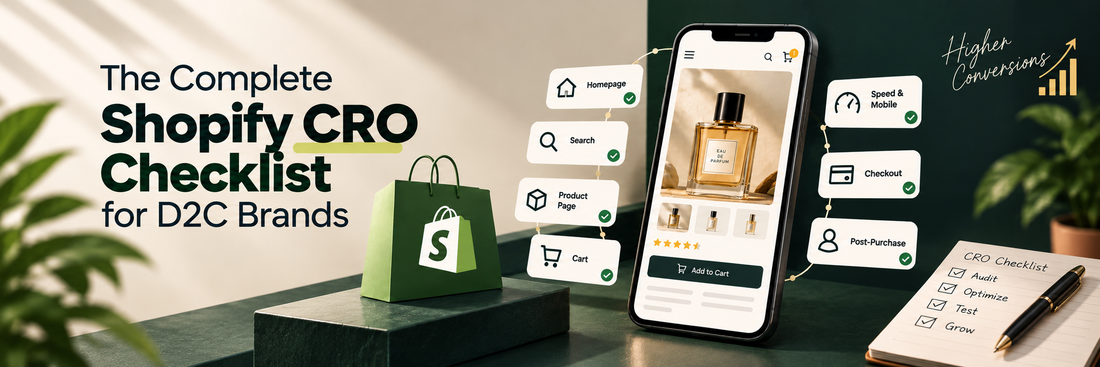
This is a full-funnel checklist for that reason: not to imply every store needs every fix, but to give a shared map of where friction typically shows up, so an audit can prioritize by where the biggest, most fixable gap actually is.
Foundations: Speed and Mobile
Nothing else on this list matters if the page doesn't load. Google's own research, based on over 900,000 mobile ad landing pages, found that bounce probability rises 32% as load time goes from one to three seconds, and 90% by five seconds. A joint Google and Deloitte study measured the payoff on the other side: a 0.1-second improvement in mobile page speed increased retail conversions by 8.4%.
Check Core Web Vitals scores on mobile specifically, not just desktop. Image weight, since product images are usually the largest asset on a Shopify PDP. Third-party app scripts, which are a common and underappreciated source of Shopify-specific slowdown.
Homepage and Navigation
The homepage's job is to get a visitor to the right place quickly, not to say everything about the brand at once. The core question worth auditing here is what we've called Time to Product Discovery elsewhere: how many decisions and interactions stand between a visitor landing and reaching something relevant to them.
Check: whether navigation is organized by what the store sells or by why a customer is shopping. Whether the homepage assumes visitors are already familiar with the brand. Whether personalization, if used at all, is based on real behavioral data rather than a generic new-vs-returning split.
Site Search
Search deserves its own line item because it carries the highest-intent traffic on the site and is one of the most commonly under-audited parts of a Shopify store. A visitor typing a query has already told the store exactly what they want.
Check zero-result rate, since every empty search is a shopper who described their intent and got nothing back. Whether search understands the customer's language (how they'd describe a product) rather than only the catalogue's language (how the product is tagged). Whether search results are usable on mobile without excessive scrolling or tapping.
Product Pages
The PDP is where a visitor either confirms a decision or picks up new doubt. On mobile specifically, imagery, reviews, and sizing information carry more weight because there's less surrounding content to provide context.
Check whether a size or fit guide requires an extra tap to see, or sits inline near the selector. Check whether reviews and ratings are visible early on the page rather than only in a section further down. Whether a sticky add-to-cart element is actually solving a real distance-to-button problem on that specific page, rather than being applied as a default.
Cart
The cart is a decision checkpoint, not just a holding area. This is where a shopper reviews the total commitment, and it's a common place for hidden costs to surface for the first time.
Check whether shipping cost is shown before the final checkout step, not revealed as a surprise at the end. Check whether the cart makes it easy to adjust quantity or remove an item without leaving the flow. Whether any urgency or scarcity messaging used here is accurate rather than manufactured, since a customer who catches a fake countdown timer loses trust in everything else on the page.
Checkout
Checkout is where a shopper who has already decided to buy gets stopped by the process itself, which makes every point of friction here disproportionately costly. Baymard Institute's checkout usability research, based on large-scale testing, found that the average checkout flow contains around 11 form fields, and that roughly 17-18% of shoppers abandon specifically because the process feels too long or complicated.
Check whether guest checkout is offered and set as the visually prominent default, not buried behind a sign-in prompt. Whether the number of form fields could be reduced without losing anything functionally necessary. Whether error messages, if a field fails validation, clearly show what needs fixing rather than clearing the form and starting over.
Post-Purchase
The journey doesn't end at the order confirmation page, even though many Shopify stores treat it as the finish line. This stage is worth including on a CRO checklist because it affects repeat purchase rate and customer lifetime value, not just the single transaction.
Check whether the order confirmation and follow-up emails are used to set expectations (delivery timing, what happens next) rather than left as a bare transactional receipt. Whether there's a clear, low-friction path to account creation after purchase, when a customer is more receptive to it than they were during checkout. Whether post-purchase communication supports a second purchase, rather than going silent until the next promotional blast.
Pros and Cons of Working From a Checklist
Pros
- Prevents an audit from over-indexing on one visible problem (like the PDP) while missing friction elsewhere in the funnel
- Makes prioritization easier, since gaps can be compared across stages rather than assessed in isolation
- Gives a consistent structure for repeat audits, so improvement (or regression) over time is easier to track
Cons
- A checklist can create a false sense of completeness; passing every check doesn't guarantee a page converts well
- Every item still needs to be weighed against the specific store's traffic, catalogue, and price point rather than applied uniformly
- Some of the highest-impact fixes for a given store won't be on any general checklist, because they're specific to that store's audience or product category
FAQs
Where should a D2C brand start if they can only fix one thing?
Usually with whichever stage has the clearest, most measurable drop-off in analytics, rather than the stage that feels most visibly outdated. Page speed is a common first fix because it's a precondition for everything downstream.
Does this checklist apply the same way to every Shopify store?
No. A low-price, high-volume catalogue and a considered, higher-price purchase have different friction points. This checklist is a map of where to look, not a fixed set of changes to apply identically everywhere.
How often should a store re-run a CRO audit?
There's no universal cadence, but a meaningful redesign, a new product line, or a noticeable shift in conversion rate are all reasonable triggers, rather than running it on a fixed calendar regardless of what's changed.
Is a high score on every checklist item enough to guarantee good conversion?
No. A checklist catches structural gaps, but the details of execution, like how well reviews or sizing content are actually written, matter as much as their presence.
A CRO audit is really just this checklist run against a specific store, with real data behind each item instead of a guess. The value isn't in the list itself. It's in knowing which item, for this store, is actually costing the most revenue right now.


